
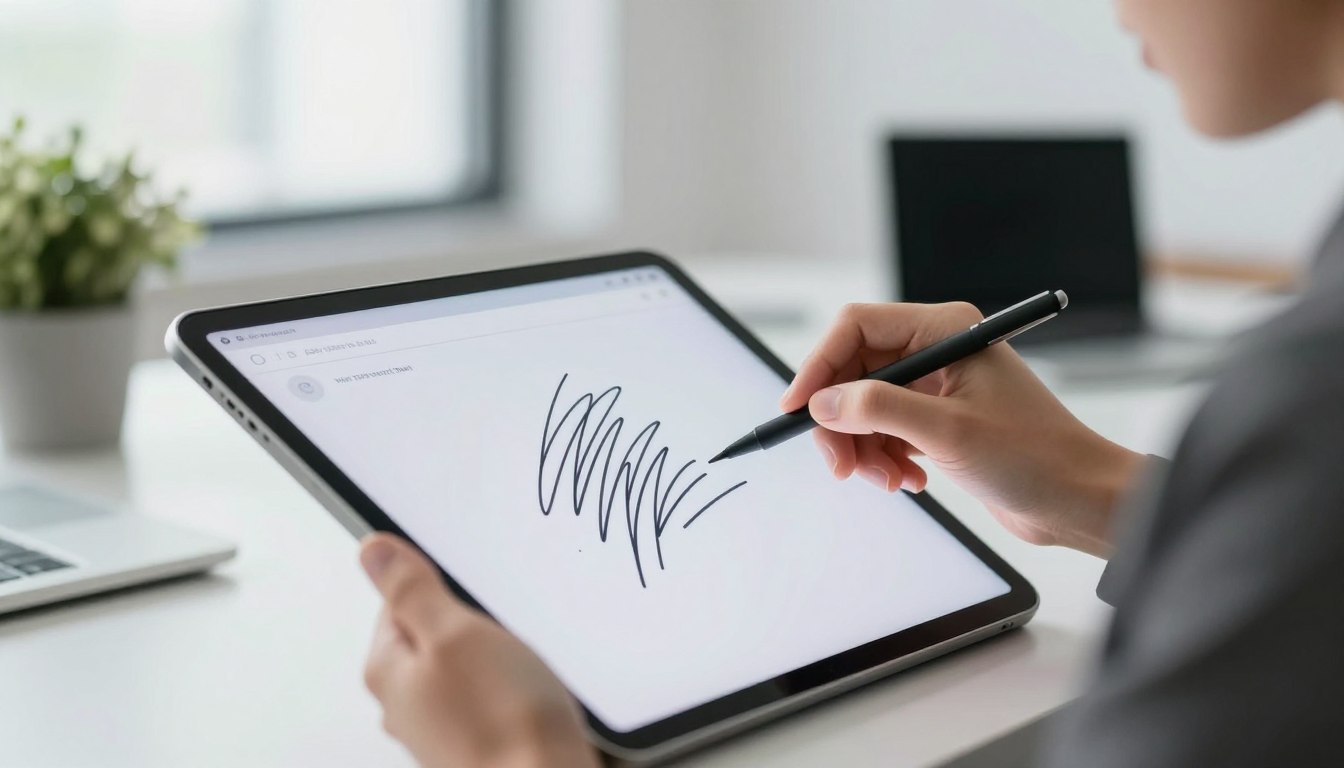

In today’s fast-paced digital world, quick and secure document signing is key. Digital signatures are a reliable, easy, and legal way to sign documents online.
The PDF signing process is now simple. It lets people and businesses sign documents fast and safely. The old way of printing, signing, and scanning is fading away.
This quick guide will show you how to digitally sign PDFs. It will highlight the benefits and why electronic signatures are important for official and business use.
Key Takeaways
- Understand the concept of digital signatures and their legal recognition.
- Learn the simple process of signing PDFs electronically.
- Discover the benefits of using electronic signatures for business purposes.
- Explore the importance of secure document signing in today’s digital world.
- Find out how to digitally sign PDFs in just 2 minutes.
What Are Digital Signatures and Why They Matter
Digital signatures are changing how we sign and verify documents. They are a safe way to sign documents online. This ensures the document’s authenticity and integrity.
Digital signatures use encryption to keep the signing process secure. This makes it hard for anyone to change the document without permission. It builds trust in the signing process.
Legal Validity of Digital Signatures in India
In India, digital signatures are recognized as legal under the Information Technology Act, 2000. This law makes digital signatures as valid as handwritten ones. They are a legal way to sign documents.
Benefits of Using Digital Signatures
Using digital signatures offers many advantages. They make signing documents easier, safer, and reduce paper use. Digital signatures speed up the signing process, making it quick and efficient.
| Benefits | Description |
|---|---|
| Convenience | Sign documents from anywhere, at any time |
| Security | Encrypted signatures protect against tampering |
| Environmental Benefits | Reduce paper usage and carbon footprint |
Essential Tools for Digital Signatures in India
To digitally sign documents in India, you need to know the right tools. These tools must follow local laws. Digital signatures are key to India’s digital growth, and picking the right tools is important.
Government-Approved DSC Providers
In India, Digital Signature Certificates (DSCs) are managed by the Controller of Certifying Authorities (CCA). It’s important to get DSCs from approved providers. eMudhra, NCode Solutions, and SafeScrypt are top providers in India.
They offer Class 2 and Class 3 DSCs for various needs and security levels.
Free vs. Paid Digital Signature Solutions
Choosing between free and paid digital signature services is a common debate. Free solutions might be simple but lack advanced features and strong security. In contrast, paid solutions like Adobe Sign and DigiSigner offer better security and support.
Free options are okay for occasional use. But, for businesses and those who use digital signatures often, paid services are more reliable and feature-rich.
How to Digitally Sign a PDF in 2 Minutes
Digitally signing a PDF is fast and simple. You don’t need to be tech-savvy. Just a few steps, and your documents are secure and legally binding.
Creating Your Digital Signature
To create a digital signature, get a Digital Signature Certificate (DSC) from a trusted provider. This certificate makes your digital signatures legal.
With your DSC, use Adobe Acrobat to make your digital signature. You can draw your signature or upload a photo of it.
Applying Your Signature to Documents
After making your digital signature, apply it to your PDFs. Open the PDF in a compatible editor. Go to the signature section and pick your digital ID.
Make sure the signature is applied right and the document is easy to read.
Saving and Sharing Signed Documents
After applying your signature, save the document. Most PDF editors let you save it as a new file, keeping the original intact.
Then, share the signed document by email or cloud storage. This way, the recipient can check the signature’s validity.
By following these steps, you can digitally sign a PDF in just a couple of minutes. Your documents will be legally binding and secure.
Using Adobe Acrobat for Quick Digital Signatures
Adobe Acrobat makes digitally signing PDFs easy, perfect for both personal and work use. Its simple design and strong features help you add digital signatures to your documents quickly.
Step-by-Step Guide for Adobe Acrobat Reader
To sign a PDF with Adobe Acrobat Reader, just follow these steps:
- Open the PDF document in Adobe Acrobat Reader.
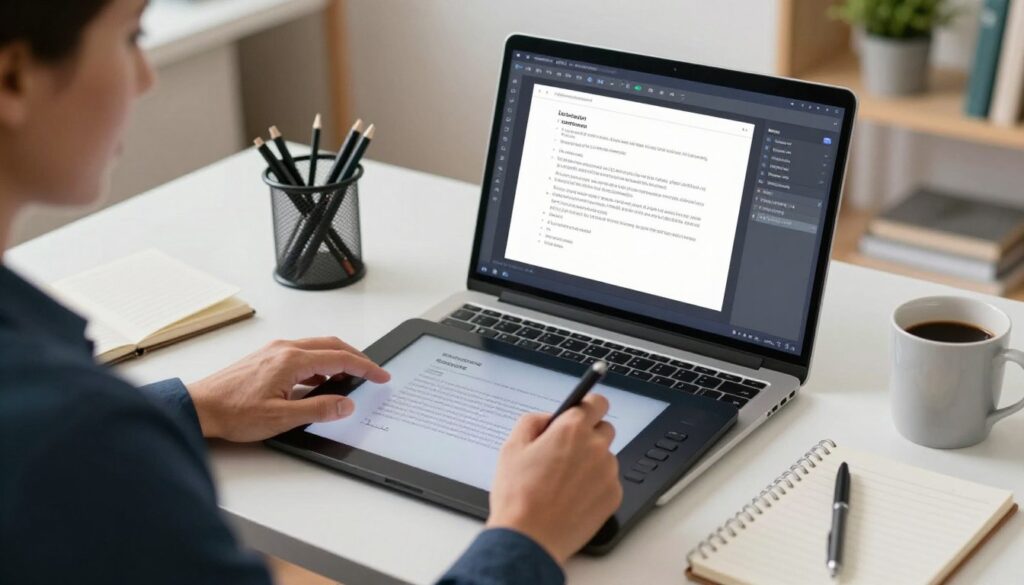
- Click on the “Fill & Sign” tool in the right-hand pane.
- Select “Sign” and then choose “Add Signature.”
- Create your signature by drawing it or typing your name.
- Place the signature on the desired location within the document.
Adobe Sign for Business Documents
Adobe Sign has special features for businesses to make signing easier. With Adobe Sign, you can:
| Feature | Description |
|---|---|
| Send documents for signature | Easily send documents to multiple recipients for signature. |
| Track document status | Monitor the status of your documents in real-time. |
| Secure authentication | Ensure the authenticity of signatures with advanced security measures. |
Using Adobe Acrobat and Adobe Sign, businesses can save a lot of time and effort. This boosts their productivity.
Free Online Tools for Digital Signatures in India
In today’s digital world, signing documents online is a must, even in India. Digital signatures are now legally valid. Thanks to free online tools, signing documents online is easy for both individuals and businesses.
DigiSigner and SmallPDF are two top platforms for digital signatures. They have simple interfaces and many features. This makes signing documents online a piece of cake.
DigiSigner and SmallPDF
DigiSigner is a digital signature platform that lets you sign documents fast. It supports PDFs and images. SmallPDF, on the other hand, is a PDF tool with digital signature features. It’s great for signing PDFs and other documents online.
Both platforms are easy to use and offer free services. But, the free versions have some limits. You might not be able to sign as many documents or access all features.
| Platform | Key Features | Free Services |
|---|---|---|
| DigiSigner | Supports multiple file formats, easy to use | Limited documents, basic features |
| SmallPDF | Versatile PDF tool, digital signature capability | Limited documents, basic features |
Using DigiLocker for Government Documents
DigiLocker is a government initiative in India. It lets citizens store and share documents digitally. It’s not just for digital signatures but also for government services.
For government documents, DigiLocker is a top choice. It’s officially recognized and works with many government portals. It’s a secure and easy way to manage and share official documents.
Mobile Solutions for Digital Signatures
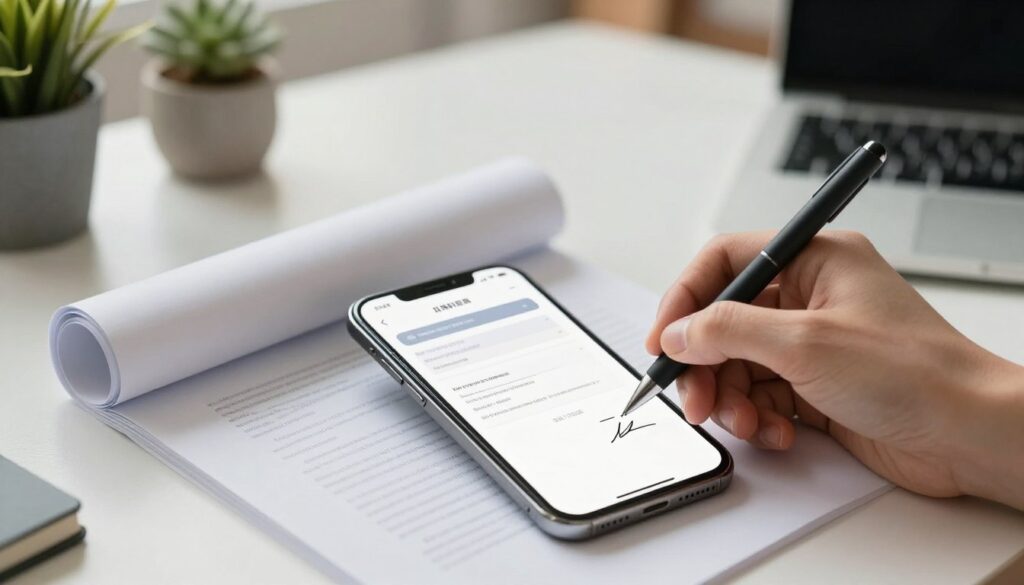
In today’s fast world, mobile solutions for digital signatures are key. We need to sign documents quickly, and mobile apps help a lot.
Mobile devices let us sign documents anytime, anywhere. Both Android and iOS have apps for easy digital signatures.
Android Apps for Digital Signatures
Android users have many apps for digital signatures. Some top ones are:
- DigiSigner
- SignEasy
- Adobe Fill & Sign
These apps let you edit documents, create signatures, and sign emails or cloud-stored documents.
iOS Apps for Digital Signatures
iOS users have many apps for digital signatures too. Some favorites are:
- SignEasy
- DocuSign
- Adobe Fill & Sign
These apps work like their Android versions, making signing easy on all devices.
Using mobile solutions for digital signatures makes signing documents faster. It helps both people and businesses work better and quicker.
Digital Signature Compliance with Indian IT Act
Understanding digital signature compliance is key under the Indian IT Act. The IT Act sets a legal framework that accepts digital signatures as valid. It’s vital for both individuals and organizations to follow this act. This ensures the legality and enforceability of digital signatures on documents.
Class 2 vs. Class 3 Digital Signature Certificates
Digital Signature Certificates (DSCs) come in different classes. Class 2 DSC is verified against a pre-checked database. It’s often used for income tax returns and other legal documents. Class 3 DSC requires more verification, with the applicant present before a Registration Authority (RA). It’s better for secure and legally binding transactions.
| Certificate Type | Verification Level | Typical Use |
|---|---|---|
| Class 2 DSC | Database Verification | Income Tax Filing, Statutory Documents |
| Class 3 DSC | Physical Presence Verification | Secure Transactions, Legally Binding Documents |
eSign Services and Their Legal Standing
eSign services let users sign documents online without needing to be there in person. These services are legally okay under the IT Act if they follow the rules. eSign uses DSCs to confirm who signed the document, making sure it’s real and can’t be denied later.
Conclusion
Digital signatures have changed how we sign documents. They make signing faster, more secure, and follow the law. In India, digital signatures are legally valid and bring many benefits.
Tools like Adobe Acrobat and DigiSigner make signing PDFs easy. They help users create, apply, and manage digital signatures well.
Using digital signatures helps people and businesses sign documents faster. It reduces the need for paper and boosts productivity. As technology grows, using digital signatures is key to a more efficient and secure future.
FAQ
What is a digital signature?
A digital signature is like a digital version of a handwritten signature. It proves who signed a digital document, like a PDF.
Are digital signatures legally valid in India?
Yes, in India, digital signatures are legally recognized. This is thanks to the IT Act, 2000. They’re used for many official and business tasks.
How do I obtain a Digital Signature Certificate (DSC)?
You can get a DSC from approved places like eMudhra, Sify, and TCS. First, you need to submit documents and prove who you are.
What is the difference between Class 2 and Class 3 Digital Signature Certificates?
Class 2 DSCs are for personal and business use. Class 3 DSCs are for very secure tasks, like e-tendering. They need more checks.
Can I digitally sign PDFs using Adobe Acrobat Reader?
Yes, Adobe Acrobat Reader lets you sign PDFs digitally. You can make a digital signature and add it to a document.
Are there any free online tools for digital signatures in India?
Yes, tools like DigiSigner and SmallPDF let you sign PDFs for free. DigiLocker also offers eSign services for official documents.
Can I use my mobile device to digitally sign documents?
Yes, apps like SignEasy and DocuSign work on Android and iOS. They let you sign documents on your phone.
What is eSign, and is it legally valid?
eSign is a service for online signatures. It’s legal in India, thanks to the IT Act, 2000. It’s used for many official and business needs.
How do I ensure compliance with the Indian IT Act when using digital signatures?
To follow the law, use DSC providers approved by the government. Stick to the IT Act’s rules. Choose digital signature solutions that meet security standards.
