Best Online Image Toolkit to Merge, Organize Image with Ease
Let’s See How it WorksImage Toolkit
What can we
help you find?

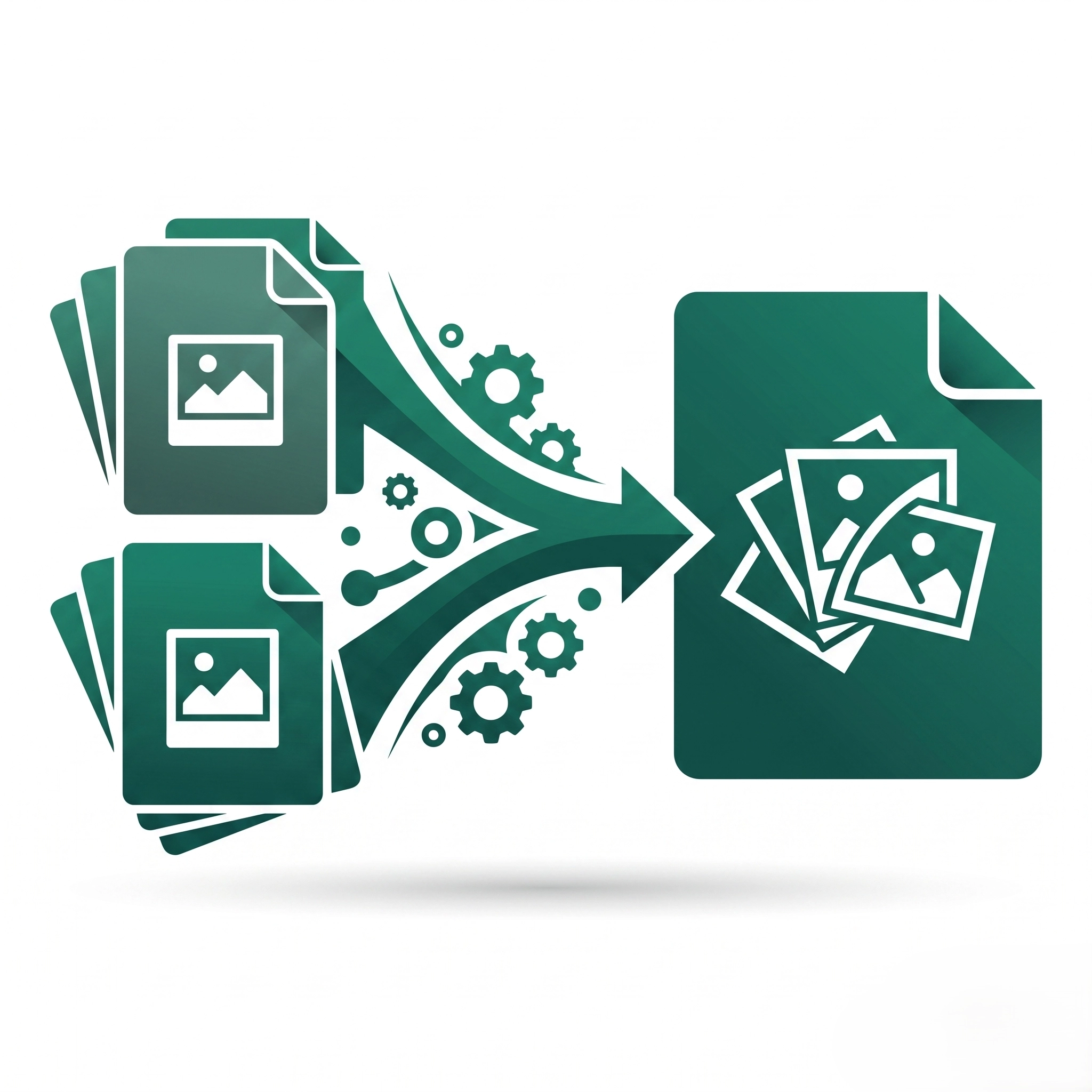
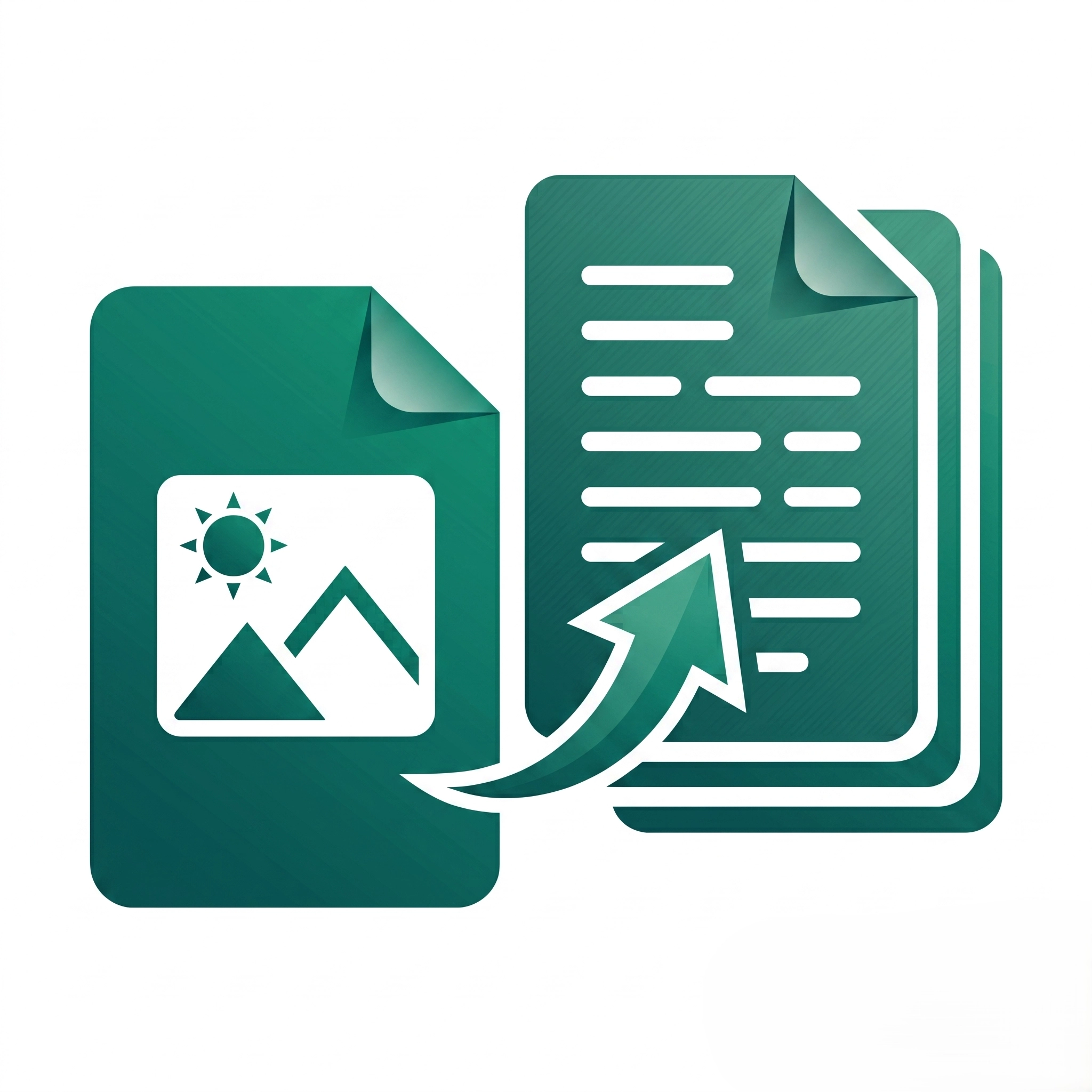
JPG, JPEG, PNG, GIF, BMP, TIFF, and WEBP formats are supported; multiple images can be combined into a single PDF document.
Yes, PDFs maintain original image resolution and quality without compression loss, ensuring sharp, professional-looking documents
Standard limits apply based on browser memory; for best results, optimize large images before conversion or process in smaller batches in Image Toolkit
Unsupported formats, corrupted files, or oversized images can block uploads; convert to standard JPG/PNG format and compress large files before retrying.
High-resolution images create larger PDFs; compress images before conversion or use a PDF compressor tool after conversion to reduce file size.
Some images contain orientation metadata that may not display correctly; manually rotate images using the orientation controls before converting.
Processing many high-resolution images strains browser memory; convert fewer images at once or reduce image resolution for faster processing in ProPDFWorks.