PDF to JPG
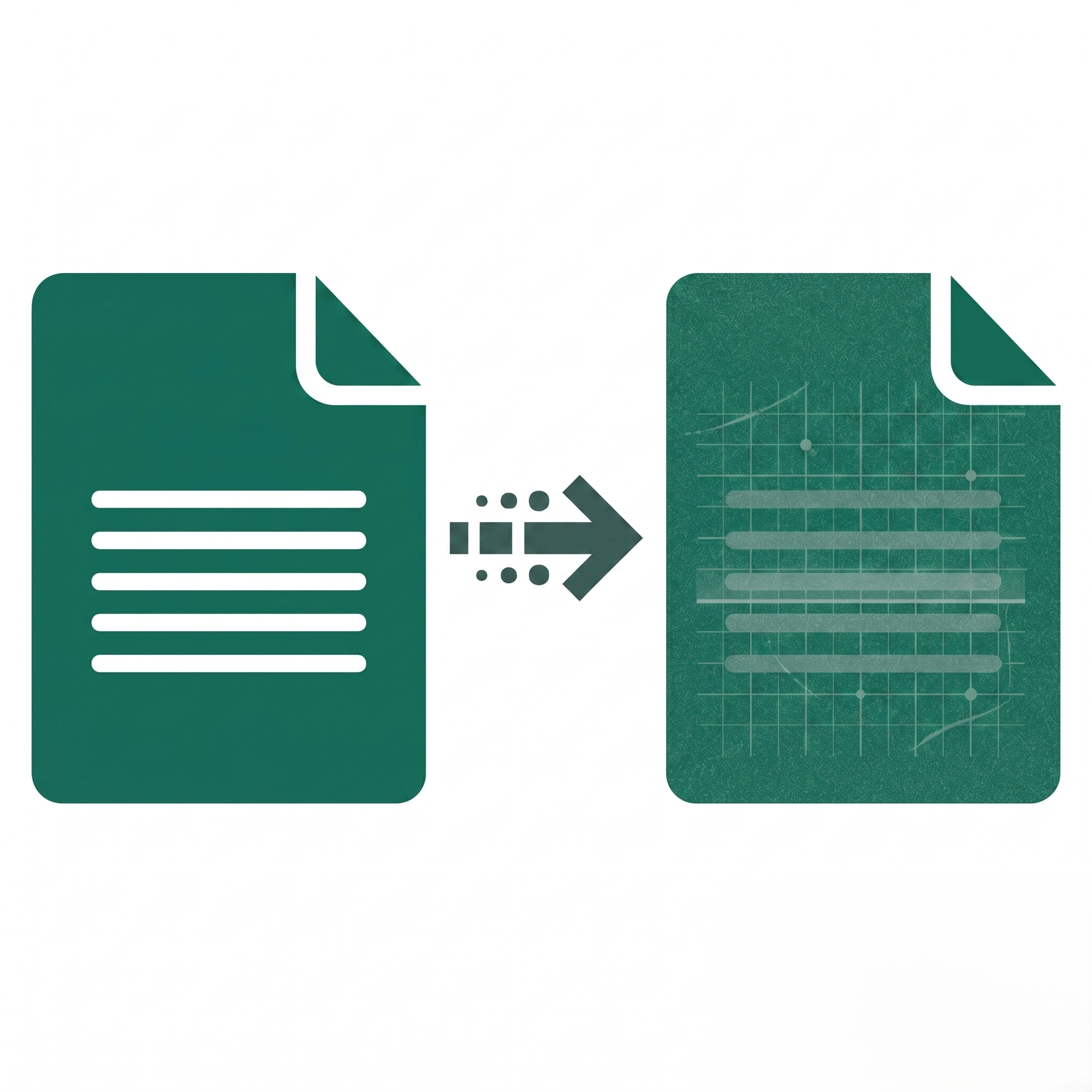
Convert your PDF documents into high-quality JPG images.
Select PDF
or drop PDF anywhere in this area
Select PDF
Let’s See How it WorksPDF to JPG
What can we
help you find?
Yes, the tool is completely free. You can convert your files without paying any fees, and there are no hidden costs or subscriptions required. Additionally, your final images will not have any watermarks.
No, the converter is designed to maintain the highest possible image quality. The resulting JPGs will reflect the exact resolution and crispness of the pages or images in your original PDF document.
If you upload a PDF with multiple pages, the tool will convert each individual page into a separate high-quality JPG. To make downloading easier, all the resulting images will be packaged together into a single ZIP file for you to save to your device.
No installation is required. This is a fully browser-based tool, meaning you can access and use it on any device—whether it’s a Mac, Windows PC, iOS, or Android smartphone—as long as you have an active internet connection.
Upload failures usually happen for three reasons: the file exceeds our maximum size limit, the file is corrupted, or your internet connection is unstable. Check your file size, ensure your connection is steady, and try uploading the document again.
If the progress bar stops moving, it may be due to a temporary browser glitch or a very large, image-heavy PDF taking longer than usual to process. Try refreshing the page and starting over. If the issue persists, clearing your browser’s cache or trying a different web browser often resolves the problem.
When you convert a PDF that has more than one page, our system automatically groups all the converted JPGs into a ZIP folder so you don’t have to download them one by one. You simply need to locate the ZIP file on your device, right-click (or tap), and select “Extract” to view your JPGs.
Our tool cannot directly read or convert encrypted or password-protected PDFs. You will first need to remove the password protection from the document. Once the file is unlocked and saved, you can easily upload it here for conversion.