Compress PDF
Reduce file size while optimizing for maximal PDF quality.
Select PDF files
or drop PDFs anywhere in this area
Select PDF files

Let’s See How it WorksCompress PDF
What can we
help you find?
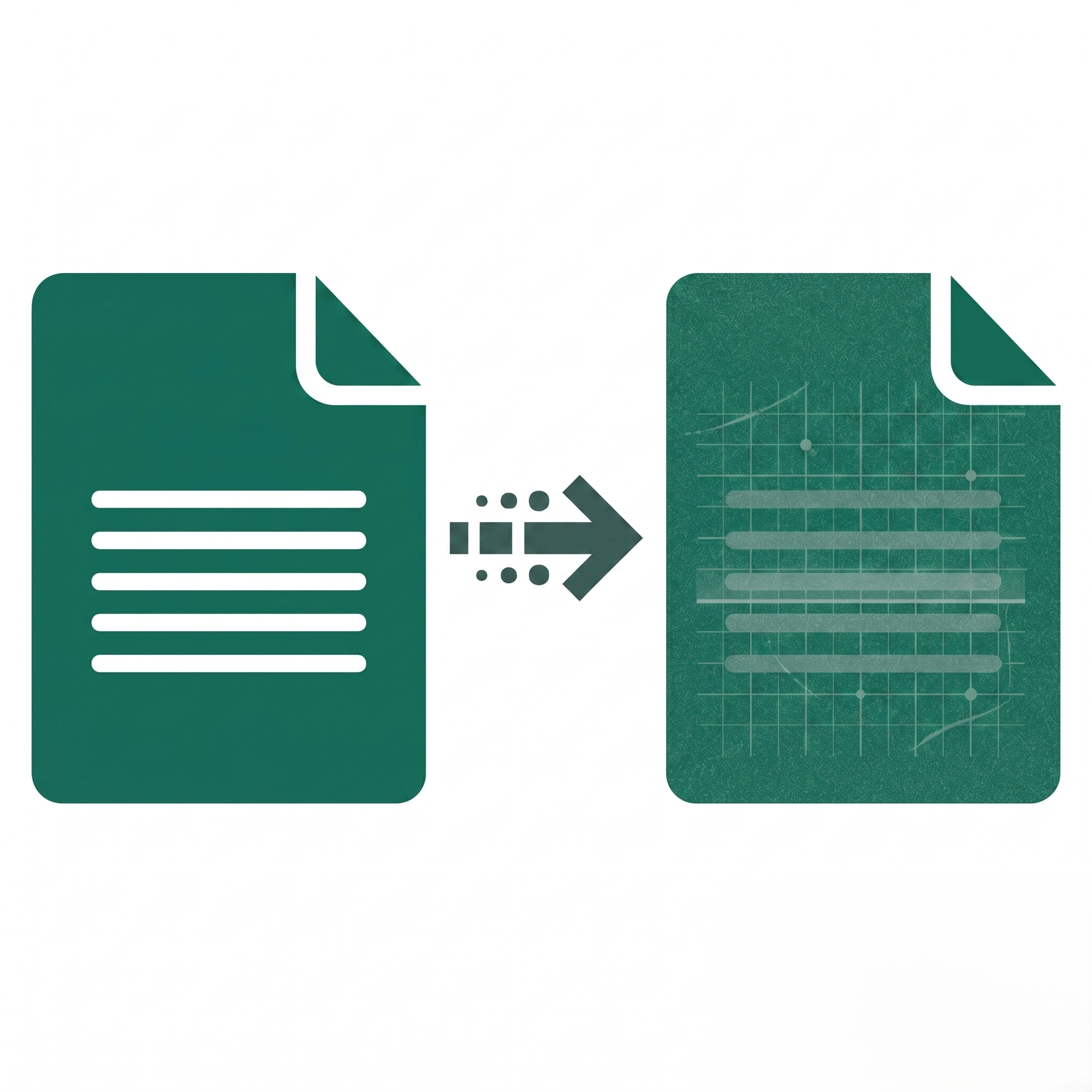
The Compress PDF tool reduces file size by optimizing images, removing redundant data, and adjusting resolution while preserving text clarity, layout, and essential document features.
Image-heavy PDFs like scanned documents, presentations, and portfolios compress most effectively, often achieving 50-80% size reduction; text-only documents compress less but still benefit from optimization.
Browser-based processing handles files up to 100-200 MB efficiently; larger files may require splitting first or experience slower processing depending on device memory and browser capabilities.
Yes, but additional compression may yield minimal results; PDFs previously optimized with modern tools may show little to no size reduction on subsequent compression attempts.
Password-protected PDFs, corrupted files, unsupported PDF versions, or files exceeding browser memory limits can block uploads; unlock encrypted files, repair corrupted documents, or try a smaller file.
Damaged PDF structures, unsupported encryption methods, non-standard PDF features, or browser incompatibility can cause errors; try updating your browser, using a different browser, or repairing the PDF first.
Compression should never remove pages; if pages appear missing, the original file may be corrupted; verify the original PDF, re-upload, and contact support if the issue persists.
Browser pop-up blockers, download restrictions, insufficient storage space, or incomplete processing can prevent downloads; enable downloads for the site, clear cache, and verify available disk space.