TAN Document Optimizer
Convert, format, and strictly compress your PDF for guaranteed TAN application compatibility.
1. Upload Document
Ready to convert
Drop one or multiple PDFs here, or browse your computer
Target Requirements
File Size Constraints
Strictly < 300 KB total size
Resolution & Dimensions
Max 3400x2200 pixels, High-Contrast Grayscale
Format Limits
Grid Collage JPG Output (Auto-Merges Multiple PDFs)
"Ensure digital signatures are applied only AFTER conversion is complete to prevent document corruption during compression."

Let’s See How it WorksTAN Application Document Format Converter
What can we
help you find?
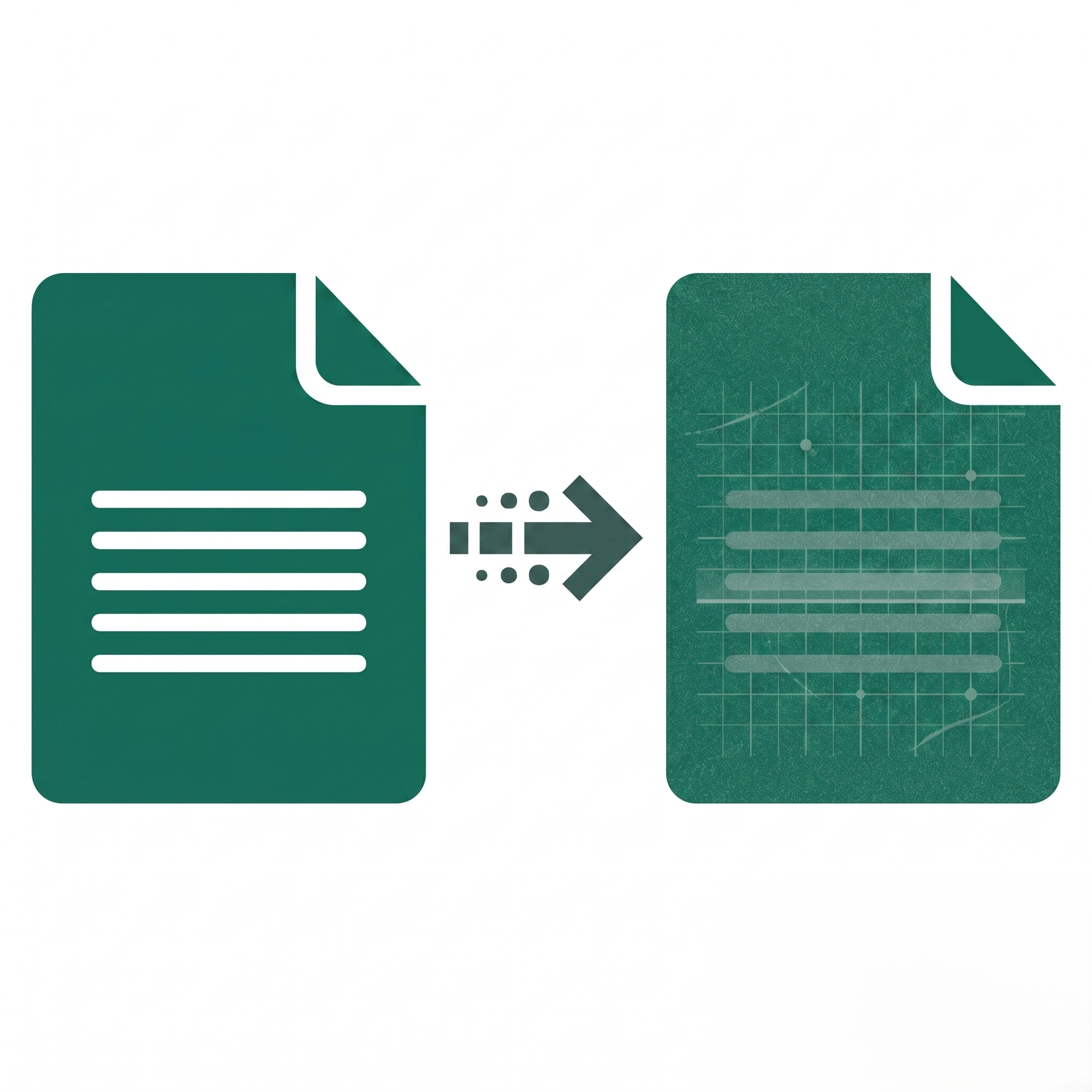
This tool automatically resizes, compresses, and converts your scanned PDFs or images to meet the exact file size and format restrictions required by government portals for online TAN (Tax Deduction and Collection Account Number) applications.
Absolutely! Our TAN Application Document Optimizer is completely free. There are no hidden fees, subscriptions, or watermarks applied to your final files.
The tool converts and compresses your documents into the exact supported formats (typically optimized PDFs or JPEGs) specified by the NSDL or the Income Tax Department’s upload guidelines.
No software installation is required. ProPDFWorks is a completely web-based solution that works smoothly on Windows, Mac, Linux, and mobile devices.
If your file fails to upload, check that it is a standard PDF. Also, ensure the file is not password-protected, as encrypted files cannot be processed or formatted.
To meet the strict file size limits (often under 2MB or 100KB depending on the specific document type) set by the TAN application portal, the tool must compress the image data. We balance this compression to ensure the text remains legible for verification while still meeting the size restrictions.
If your file fails to upload, check that it is a standard PDF or image format (JPG/PNG). Also, ensure the file is not password-protected, as encrypted files cannot be processed or formatted.
Since processing happens instantly in your browser and nothing is saved on our end, simply refresh the webpage and upload the correct document to start over safely.