
Split PDF
Easily split your PDFs into individual pages or multiple parts.
Select PDF files to process
or drop PDFs anywhere in this area


Let’s See How it WorksSplit PDF
What can we
help you find?
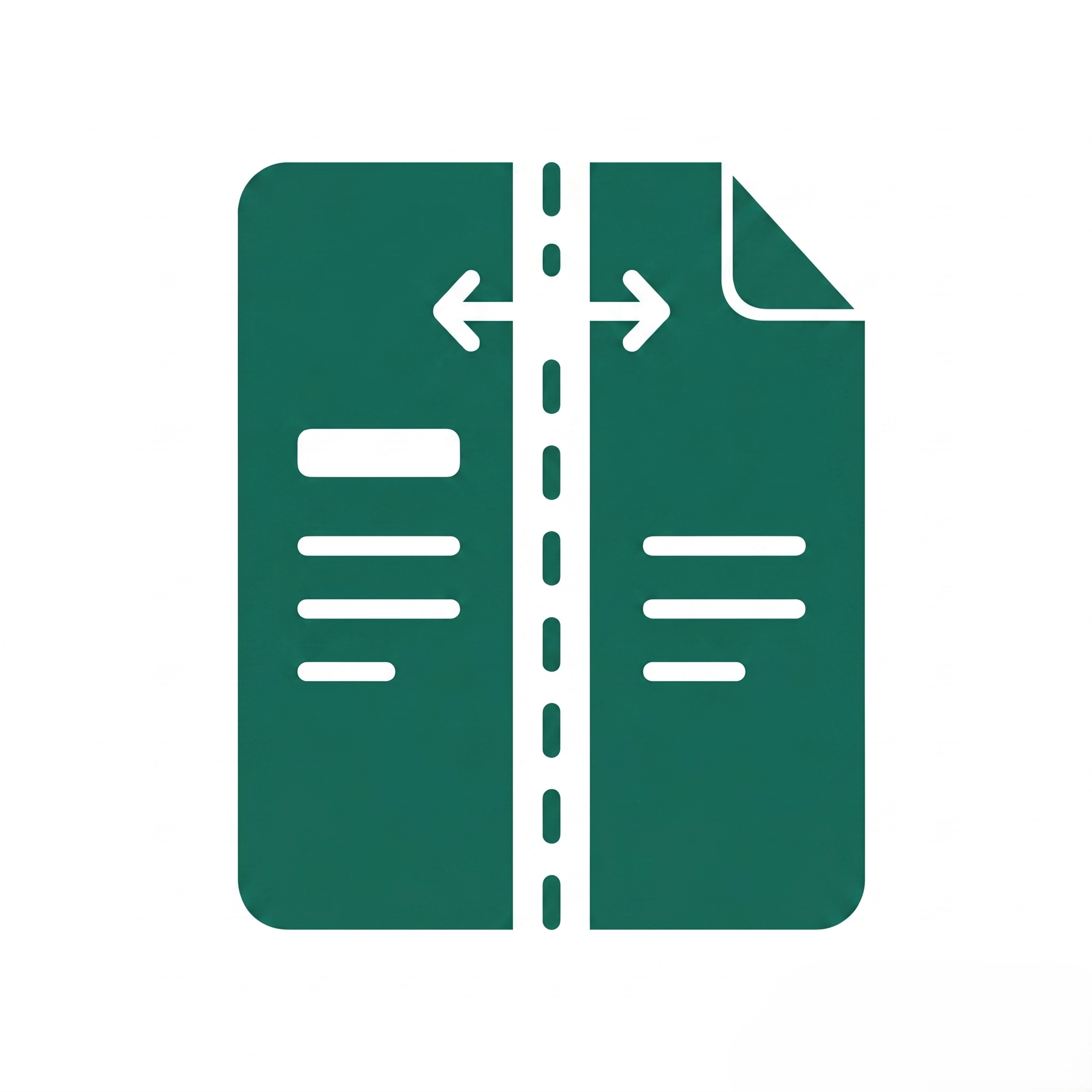
The Split PDF tool separates multi-page PDF documents into individual files or extracts specific page ranges without altering content quality, formatting, or embedded elements like images and hyperlinks.
Choose from multiple modes: extract specific pages, split by page ranges, divide into equal parts, separate every N pages, or extract odd/even pages for flexible document management.
Password-protected or encrypted PDFs must be unlocked before splitting; the tool cannot bypass security restrictions, so remove protection using the password first.
File size limits depend on browser memory and device capacity; large PDFs (100+ MB or 500+ pages) may process slowly, so splitting in batches improves performance.
No, splitting preserves original resolution, text formatting, vector graphics, embedded fonts, hyperlinks, and metadata; pages remain pixel-perfect copies of the source document.
Yes, page thumbnails display immediately after upload, allowing visual selection and verification of page ranges before processing to ensure accuracy.
Yes, completely free with no page limits, watermarks, registration requirements, or hidden fees; unlimited splits available directly in the browser.
Corrupted files, password protection, unsupported PDF versions, or browser restrictions can block uploads; try unlocking the PDF, re-saving it, using a different browser, or reducing file size.
Incorrect page range syntax, accidental deselection, or mixed numbering can cause omissions; double-check selections in the thumbnail preview and verify range format (e.g., 1-5, 8, 10-12) before splitting.
Large files (100+ MB), high-resolution scanned images, or limited device memory slow processing; compress the PDF first, close unnecessary browser tabs, or split in smaller batches for better performance.
Pop-up blockers, browser download restrictions, insufficient storage space, or incomplete processing can prevent downloads; enable pop-ups for the site, clear browser cache, and ensure adequate disk space.
Each extracted page retains embedded fonts, images, and metadata from the original; unused resources aren’t removed during splitting, so run a PDF optimizer afterward to reduce file size.
Heavily encrypted PDFs, corrupted internal structures, non-standard PDF features, or browser compatibility issues can cause failures; try a different browser, update your current browser, or repair the PDF first.
Links and bookmarks pointing to pages outside the extracted range are automatically removed; internal links within extracted pages are preserved, but cross-page references may break in split files.