Make PDF Scanned
Convert your digital PDFs into documents that look like they were scanned or printed.
Select PDF files
or drop PDFs anywhere in this area
Select PDF files
Let’s See How it WorksPDF to Scanned PDF
What can we
help you find?
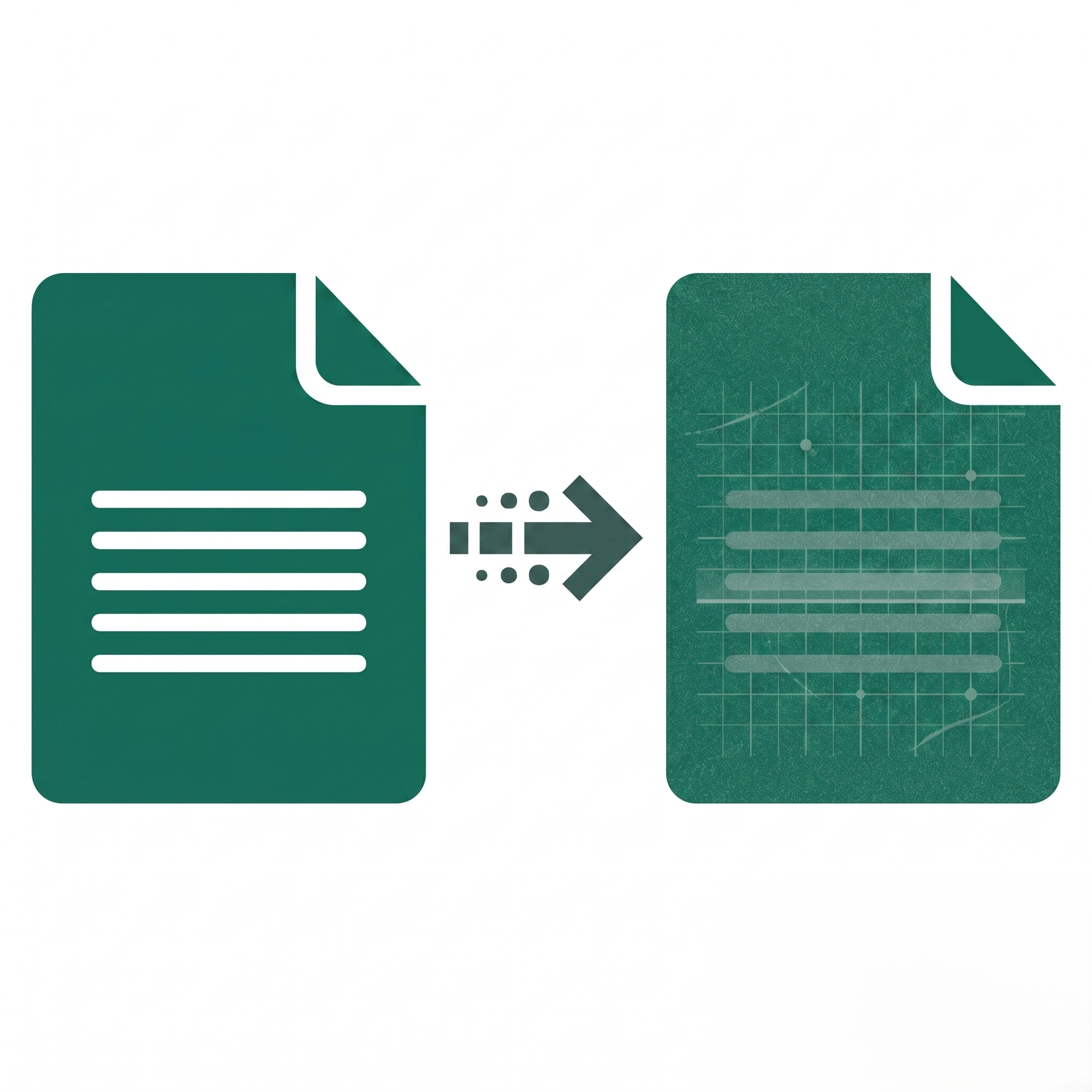
Scanned PDFs appear more authentic for certain legal, official, or archival purposes where physical document appearance is preferred or required.
Limits depend on device memory and browser; best results come from merging optimized PDFs under a few hundred MB total.
Yes, customize noise levels, choose colour or grayscale output, and set page rotation angles to control the scanned document look.
High noise settings create excessive grain; reduce noise level to low or medium for cleaner scanned appearance while maintaining realism.
Corrupted files, password-protected PDFs, or unsupported formats can block uploads; unlock or re-save the PDF and retry.
Browser rendering can differ from downloaded files; always check the final downloaded PDF and adjust settings if needed before reprocessing