

Many professionals struggle with the need for more storage. You might buy new devices when your folders get full. This shows a bigger problem: bad digital clutter management.
Instead of buying more, focus on organizing better. By setting up strict filing systems, you can free up space on your devices. This saves money and makes your workday smoother.
Our guide offers steps for UK professionals to tidy up their files. We’ll show you logical organization methods to cut down on extra gear. It’s time to take back control of your digital space and Stop Buying External Hard Drives: How to Clear Gigabytes of Document Clutter for good.
Key Takeaways
- Prioritize file deletion over purchasing new hardware.
- Implement a consistent naming convention for all assets.
- Use cloud-based indexing to reduce local storage strain.
- Audit your folders quarterly to remove redundant copies.
- Adopt a minimalist approach to digital asset retention.
The Hidden Cost of Digital Hoarding
Having too much data can hurt your wallet and distract you. Many people keep files “just in case” they might need them later. This makes their digital space chaotic and slows down their work.
The Psychological Impact of Digital Disorganization
Digital hoarding psychology is about fear of losing information. A cluttered desktop and overflowing folders make it hard to focus. This visual mess distracts you from important tasks.
Looking for a document can be stressful. It makes you tired of making decisions. Clearing your mental space is as important as cleaning your office.
Financial Implications of Perpetual Storage Expansion
Buying new hard drives costs a lot for small businesses and freelancers. Relying on more hardware is not a lasting solution. To save money, you need to change how you handle your data.
Here are some hidden costs of not organizing your digital space:
- Recurring costs for additional physical hardware.
- Increased electricity consumption for running multiple drives.
- Higher insurance premiums for protecting large volumes of data.
- Time spent managing and backing up redundant files.
By reducing digital bloat, you can save money. Spending time organizing is cheaper than buying more storage.
Productivity Losses Linked to File Retrieval Struggles
Wasting time searching for files hurts your focus. When you can’t find something, you lose your flow. Efficient file retrieval is key to success.
Every minute searching for files is a minute lost. Over time, this adds up to hundreds of hours. Streamlining your digital assets helps you get this time back and boost your earnings.
Assessing Your Current Digital Footprint
Before you can take back your digital space, you need to know where your data is. Many people are overwhelmed by the number of files they have. By organizing your files, you can turn a messy drive into a useful tool.

Identifying Redundant and Obsolete File Types
Old file formats can take up a lot of space. Understanding why we keep old files is key. Look for files from old software, temporary files, and duplicates that take up space.
Getting rid of these files quickly frees up space. Check for files you haven’t used in years. If you can’t open a file anymore, it’s time to get rid of it.
Mapping Storage Locations Across Local and Network Drives
Good professional file management means knowing where all your files are. This includes local drives, external backups, and network storage. Many people lose track of files because they’re spread out.
Make a list to keep track of where your files are. This list helps you clean up without missing anything. Keeping your files organized prevents them from getting scattered again.
Prioritizing Folders for Immediate Cleanup
After finding where your files are, you need a plan to clean them up. Use document organization tips to focus on the most important folders. Start with folders you use often to make sure you can find files quickly.
Begin with your “Downloads” and “Desktop” folders. These are usually the messiest. Cleaning them up first will make your system run better. This will give you the energy to tackle the rest of the cleanup.
Stop Buying External Hard Drives: How to Clear Gigabytes of Document Clutter
Digital clutter often hides in plain sight, taking up a lot of space. Many think buying more hardware is the only way to solve storage problems. But, you can Stop Buying External Hard Drives: How to Clear Gigabytes of Document Clutter by using a smart approach to your files.
Establishing a Zero-Tolerance Policy for Duplicate Files
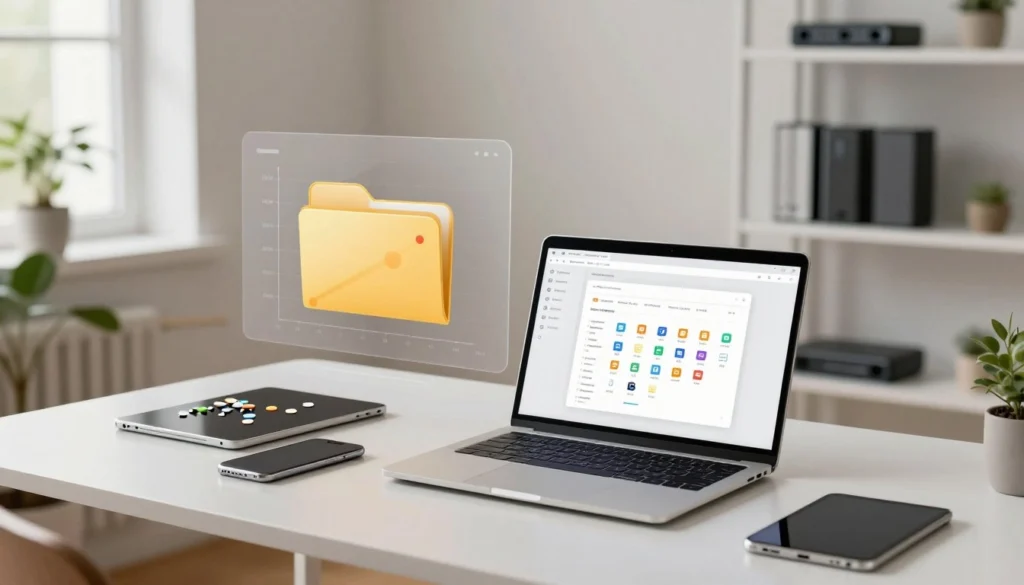
Removing duplicate files is key to freeing up space. Over time, extra copies of documents and images build up. A zero-tolerance policy means keeping only the latest version of each file.
“The ability to simplify means to eliminate the unnecessary so that the necessary may speak.”
Hans Hofmann
Utilizing Advanced Search Filters to Locate Large Assets
To clean up files effectively, find the biggest ones first. Most systems have search tools that let you filter by size, date, and type. Look for files over 100MB to tackle the biggest storage issues.
The table below shows the best ways to manage storage without extra hardware.
| Method | Primary Benefit | Effort Level |
|---|---|---|
| Manual Search Filters | Zero cost, high precision | Moderate |
| Disk Analysis Software | Visualizes storage usage | Low |
| Duplicate Removal Tools | Automates bulk deletion | Very Low |
The Role of Disk Analysis Tools in Identifying Bloat
Manual searches might not find all storage hogs. Disk analysis tools give a clear view of your drive. They show which folders take up the most space, making it easy to delete them.
These tools help spot big, unused project folders or cache files. They give you the power to decide what to keep and what to delete. Keeping your digital space clean is better than always buying more storage.
Implementing a Systematic Deletion Workflow
Turning your messy file system into an organized library starts with a clear plan. Sporadic cleanups can be frustrating and waste time. By following document organization tips for consistency, you can keep your digital space tidy and support your work goals.
Defining Criteria for Archiving Versus Deleting
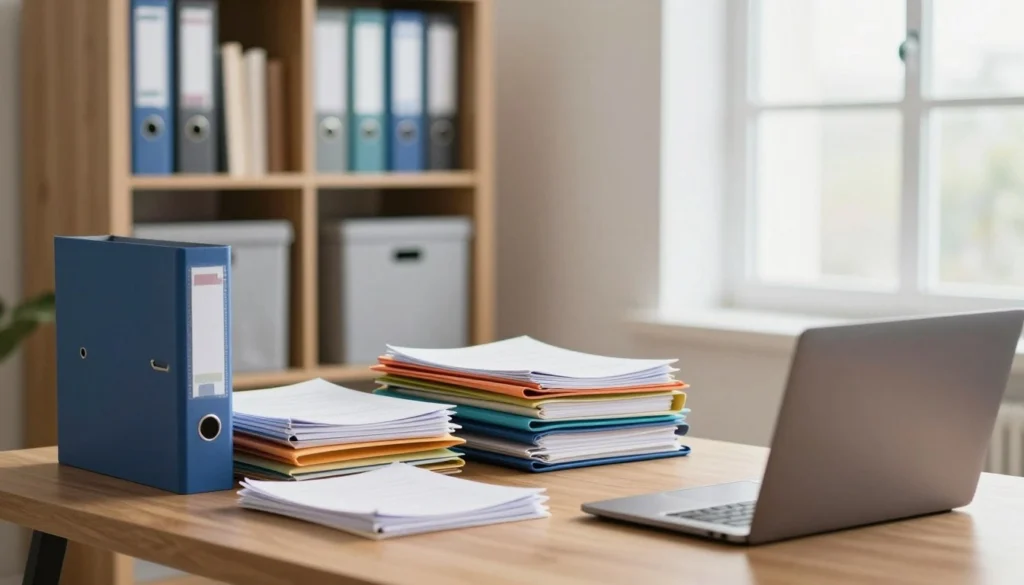
Many professionals keep files “just in case” they might need them later. This habit leads to a lot of old data. You need clear rules for what’s active and what’s archived.
Active files are those you use monthly. Files older than a year without legal or historical value should be deleted. Archiving is for tax records, signed contracts, or project history that needs to be kept for a long time.
Applying the Pareto Principle to Document Management
The Pareto Principle says 80% of your results come from 20% of your efforts. On your hard drive, 80% of the value is in 20% of your data. Good file cleanup strategies help find this valuable core quickly.
Focus on organizing your daily files first. Once they’re in order, you can clean out the rest. This saves time and keeps your important work easy to find.
Executing Batch Deletions Safely and Permanently
After finding redundant files, the next step is to delete them safely. Good duplicate file removal frees up a lot of space. Always check your selection before deleting to avoid losing important files.
For sensitive documents, just deleting isn’t enough. You need secure data deletion to overwrite the file sectors. This keeps client information safe and protects your reputation.
| Strategy | Primary Benefit | Frequency |
|---|---|---|
| Pareto Sorting | High-value focus | Monthly |
| Duplicate Removal | Space reclamation | Weekly |
| Secure Purging | Data compliance | Quarterly |
Optimizing File Compression and Storage Formats
Changing how you store digital files is key to saving space. By choosing the right formats, you can free up room on your main drive. This is vital for keeping your digital storage in top shape.
Converting Legacy Formats to Modern Standards
Older file types take up a lot of space. Switching to newer formats like PDF/A or modern office suites helps. This not only saves space but also makes files work better on different devices.
Updating files makes your computer run smoother. It’s all about keeping your system fast and efficient. Modern formats are designed to be small but keep all important details.

Best Practices for Lossless Compression of Documents
You can shrink file sizes without losing quality. Lossless compression keeps all details in your documents and images. This is great for saving space on your drive.
Starting with simple changes can cut down storage costs. Regular use of compression tools keeps your digital space tidy. Staying consistent in managing your files prevents clutter from building up.
Managing High-Resolution Media Assets Without External Drives
High-res media doesn’t always need its own drive. Optimizing your media lets you keep everything on your main device. This makes your work easier and gets rid of the need for extra drives.
These steps lead to saving money and making files easier to access. With professional file management, you can keep everything on one device. Using legacy file conversion and smart compression makes your main device the only one you need.
Leveraging Cloud-Based Document Management Systems
Switching to cloud-based systems gives you the flexibility and safety you need today. It gets rid of the risks of hardware failure and running out of space. Cloud storage solutions grow with your business, making it a great choice.

Transitioning from Physical Hardware to Scalable Cloud Solutions
Physical hard drives can slow you down. They limit how much you can store on your desk or in a server room. Scalability in cloud platforms means you can add more storage easily, without buying new hardware.
Also, you might need to convert old files to work with new cloud systems. This makes sure your old documents are easy to find and use in your new setup.
Integrating Microsoft OneDrive and SharePoint for UK Business Compliance
Keeping UK data compliance is a must for many businesses. Microsoft OneDrive and SharePoint are built to meet these strict rules. They offer strong encryption and keep your data in the right place.
These tools help you control who sees your documents. You can see who’s looking at what, which is key for keeping records. It’s much harder to do this with files on different hard drives.
Synchronizing Files for Efficient Access Across Devices
One big plus of cloud synchronization is being able to get to your files from anywhere. Whether you’re at home or at a client’s office, your files are always up to date. You don’t have to copy files or carry around hard drives.
The table below shows how cloud systems differ from old hardware:
| Feature | External Hard Drives | Cloud Management |
|---|---|---|
| Accessibility | Physical presence required | Anywhere with internet |
| Scalability | Limited by hardware capacity | Virtually unlimited |
| Security | Risk of theft or damage | Advanced encryption & compliance |
| Maintenance | Manual backups required | Automated synchronization |
Automating Maintenance to Prevent Future Clutter
Keeping your digital workspace clean is not a one-time job. It needs ongoing, automated care. Manual cleaning can be hit-or-miss, letting old files pile up again. With proactive management, your storage stays tidy and efficient, needing less hands-on effort.
Setting Up Scheduled Cleanup Scripts
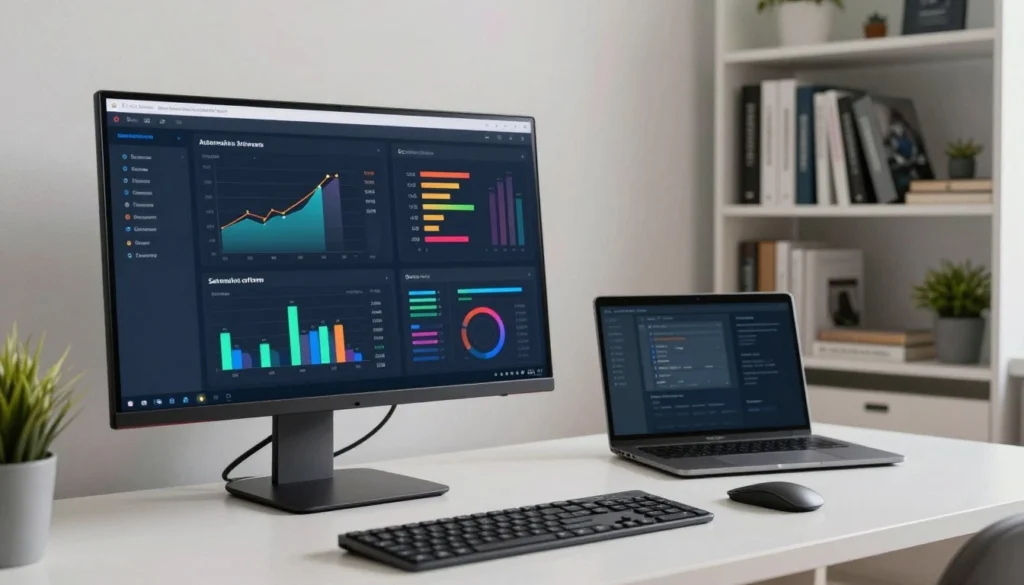
Automated file maintenance can tackle tasks like clearing temporary files or deleting duplicates. Many systems let you create scripts that run automatically. This way, your drive stays free of old data without your daily help.
Consistency is key to a clutter-free space. Scripts running on their own mean you don’t have to remember to clean up. This setup gives you peace of mind, knowing your system is taking care of itself.
Establishing Naming Conventions for Long-Term Organization
Good digital storage optimization starts with how you name files. Using a standard naming system helps avoid lost files. A clear format, like YYYY-MM-DD-ProjectName-Version, makes finding files easy.
When everyone uses the same naming rules, duplicate files are less of a problem. Standardization turns messy folders into easy-to-search libraries. This simple habit saves a lot of time when you need to find specific files.
Creating a Quarterly Digital Audit Routine
Even with automation, a digital audit routine is key to keeping your storage strategy sharp. Every three months, check your folder structure and look for signs of bloat. This is a good time to review your cloud storage solutions and see if they’re up to date.
During these audits, think about the cloud synchronization benefits that keep your files accessible everywhere. Make sure your cloud settings don’t let local copies take up too much space. Regular checks help you keep your digital space organized and clutter-free.
Security and Compliance Considerations for UK Professionals
Every UK professional must protect sensitive information. You need to make sure your storage methods meet UK data compliance standards. Not following these rules can lead to big fines and losing client trust.

Adhering to GDPR Standards During Data Disposal
The General Data Protection Regulation (GDPR) says personal data should not be kept longer than needed. When you do a digital audit routine, find files that should be deleted. Deleting a file is not just about removing it; it’s about making sure it’s gone for good.
You must document how you dispose of data to show you’re following the rules. This is key for staying compliant. Also, check that your cloud providers follow these strict European standards.
Ensuring Secure Deletion of Sensitive Client Information
Standard deletion might not completely remove data, leaving it recoverable. For secure data deletion, use tools that overwrite the space many times. This makes client records unreadable and unrecoverable.
Encryption is your first defense before you even delete data. Encrypting files adds extra protection, even if deletion isn’t perfect. Never use simple “trash bin” emptying for very confidential documents.
Balancing Accessibility with Data Protection Requirements
You don’t have to choose between security and efficiency. Create a system where active files are easy to get to, but archived data is locked down. This way, your team can work well without risking client data.
| Method | Security Level | Compliance Status | Recovery Risk |
|---|---|---|---|
| Standard Delete | Low | Non-Compliant | High |
| File Shredding | High | Compliant | Very Low |
| Full Drive Wipe | Very High | Compliant | None |
By following these strict standards, you protect your business from breaches. Regularly applying these security steps will keep your reputation safe in the UK market.
Conclusion
Starting to manage your digital space better is the first step. Ditching external hard drives makes your work area more flexible. It lets you control your data and cuts down on physical clutter.
Keeping your business documents safe is key. Cloud-based systems protect your data from hardware failures and unauthorized access. This way, your team always works with the latest file versions.
Use automated file maintenance to keep your storage tidy. This stops old data from taking up space. Smart tools help organize your files, saving you time and effort.
Following GDPR document disposal rules makes your business reliable and compliant. Begin your move to a more organized work life today. These habits will help you succeed digitally for the long haul.
FAQ
Why should professionals stop relying on external hard drives for storage expansion?
Using external hard drives hides the real problem of digital clutter. By focusing on organizing and managing documents well, you can free up space on your main device. This method saves money and reduces the risk of hardware failure from using too many drives.
How does digital hoarding impact professional productivity?
Digital hoarding makes it hard to find files, wasting a lot of time. It also hurts productivity. For small businesses and freelancers, buying new storage often can be very costly.
What is the first step in assessing a digital footprint?
Start by finding out where all your data is stored. Look for files you no longer need. Cleaning up folders first makes your efforts more effective and helps streamline your digital workflow.
How can I identify which files are taking up the most space?
Use tools like WinDirStat or GrandPerspective to see where your space is going. Get rid of duplicate files to save space. Search for large files that haven’t been used in a year to find what’s taking up room.
How does the Pareto Principle apply to document management?
The Pareto Principle says 80% of your value is in 20% of your files. Use this to decide what to keep and what to delete. Focus on keeping only what’s important and delete the rest to stay organized.
Can modernizing file formats really reduce storage needs?
Yes, it can. Changing old file formats to new ones can make your files smaller. This is key for keeping large media libraries without needing extra storage.
How do Microsoft OneDrive and SharePoint assist with UK business compliance?
Microsoft OneDrive and SharePoint help UK businesses meet compliance standards. They keep files safe and synced across devices. Moving to the cloud makes managing data easier and more secure.
What are the GDPR requirements for disposing of professional data?
GDPR requires UK professionals to delete sensitive data securely. It’s not just about deleting files; it’s about doing it right to protect data. Balancing access and security is key to avoiding fines.
How can I prevent digital clutter from returning in the future?
Automation is the best way to keep your system clean. Use scripts and naming rules to keep files in order. Regular digital audits help manage storage and keep your system running smoothly.