
Every creator faces the challenge of strict file limits when sharing high-quality images. These limits often stop you from giving your loyal followers the best experience. By learning image optimization, you can get past these limits and keep your posts looking professional.
Merging multiple images into one is a big win for digital creators. This change lets your content stay sharp while meeting platform rules. By improving your technical skills, you’ll see a big jump in social media engagement.
This guide will show you how to make your visuals pop without losing quality. You’ll find out that creative freedom is possible, even with strict digital rules.
Key Takeaways
- Overcoming technical constraints allows for higher quality visual storytelling.
- Effective file management ensures your content remains accessible to all viewers.
- Strategic asset combination leads to better performance metrics on social platforms.
- Professional visual standards are maintained through smart compression techniques.
- Consistent quality directly correlates with improved audience interaction and growth.
The Reality of Platform Constraints
Creating digital content can feel like fighting invisible walls. Creators often get upset when their high-quality work is rejected by social media. These platform constraints are meant to keep the digital world running smoothly for everyone.
Understanding Why Platforms Impose Limits
Sites like Instagram, X, and LinkedIn handle billions of uploads daily. They need strict rules on file size and data to keep servers stable. Without these limits, the huge amount of data would crash their systems.
Platforms focus on keeping their services up and running for everyone. They set limits to:
- Reduce server load during busy times.
- Keep images looking the same everywhere.
- Stop big or bad files from slowing things down.
The Impact of File Size on User Experience
Good social media platforms aim for a smooth user experience (UX). Users want images to load fast, no matter their internet. Big files can make things slow, causing people to leave quickly.
It’s key to have good visuals but also fast loading times. Slow content means missing out on connecting with your audience. Using file size reduction helps keep your content clear and quick to load.
Respecting these limits shows you’re a pro creator. Learning to optimize your work makes your message get through without problems. File size reduction is a smart move in today’s digital world.
When you stop fighting upload limits, you open up new ways to engage your audience. Instead of seeing limits as a problem, view them as a chance to be creative. Merging images into one makes every post more valuable.

Why Consolidated Visuals Capture Attention
In a busy social media feed, single images often get ignored. But consolidated visuals grab attention by interrupting the usual scroll. This makes your content more engaging and memorable in one glance.
By adding more value to one image, you boost the chances of it being shared. People like content that’s quick to consume but full of useful information. This is key for growing your digital marketing in a competitive world.
Creating Cohesive Narratives Through Multi-Image Layouts
Good visual storytelling connects different ideas into a single story. Grouping related images takes the viewer on a journey. This makes your message more memorable than separate posts.
The table below shows the benefits of using merged images over single images:
| Feature | Single Image Post | Merged Image Post |
|---|---|---|
| Information Density | Low | High |
| User Retention | Moderate | Excellent |
| Platform Compliance | Easy | Optimized |
| Engagement Potentia | Standard | Superior |
Using these layouts keeps your brand looking consistent and professional. You’re not held back by upload limits. Instead, you have the freedom to create as you see fit.
Creative Strategies for Image Composition
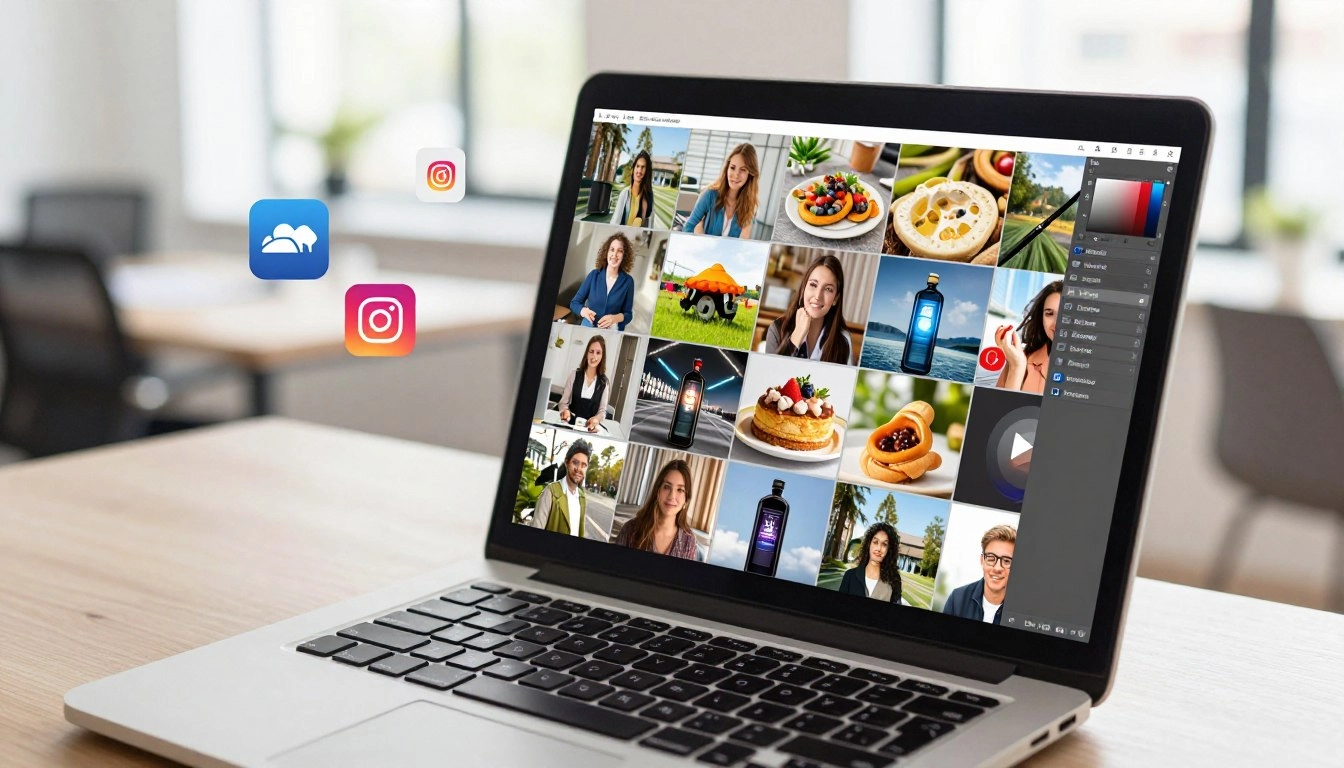
Making one image from many is a great way to tell your story. A good visual content strategy helps you share your message, even with limits. How you arrange your images affects how well your message hits home.

Designing Collages That Tell a Story
Good visual storytelling comes from how you order your images. Instead of posting random shots, plan them to tell a story. A well-thought-out layout is like a movie, where each image adds to the story.
Think about the emotional flow of your collage design. Start with a broad shot, then zoom in for details, and end with a memorable image. This makes your post feel planned, not messy.
Using Grids to Organize Complex Information
Grids are key for sharing lots of info without overwhelming people. They help break down complex topics into easy-to-digest pieces. This keeps things clear, like in tutorials or product showcases.
Keeping your images aligned on a grid makes your content look professional. Organized visuals show you respect your followers’ time and attention.
Balancing White Space and Content Density
It’s important to balance content density and empty space for a clean look. Too many images can make a post look chaotic. White space lets your content stand out and makes your design more inviting.
Always aim for a layout that feels open and welcoming. If your design looks too crowded, try removing something or adding more space. A simple design often gets more engagement because it’s easier on the eyes.
Technical Tools for Seamless Merging
Choosing the right tool can make creating content fun. Whether you manage social media or blog, the right software keeps your work smooth. Efficiency helps you keep up without getting stuck on tech issues.

Using Canva for Quick Layouts
Canva is great for fast, professional results. Its drag-and-drop design makes combining images easy. You can find many Canva tutorials online to help you create custom designs quickly.
Advanced Editing with Adobe Photoshop
For detailed work, Adobe Photoshop is unbeatable. It lets you tweak every pixel and adjust images with top tools. While it takes time to learn, the control it offers is unmatched for detailed visuals.
“Design is not just what it looks like and feels like. Design is how it works.”
— Steve Jobs
Mobile-Friendly Apps for On-the-Go Creators
Today’s creators often work on the move. Mobile-friendly tools let you edit images on your phone or tablet. These apps are fast, so you can share your work anytime, anywhere.
| Tool Name | Skill Level | Best For |
|---|---|---|
| Canva | Beginner | Quick Social Layouts |
| Adobe Photoshop | Advanced | Detailed Manipulation |
| Mobile Apps | Intermediate | On-the-Go Editing |
Optimizing Visuals for Mobile and Desktop
Your audience sees your content on many screens. Whether it’s a phone during a commute or a big desktop, your images must shine. Making mobile-friendly content is now essential for any social media plan.

Responsive Design Principles for Social Media
Using responsive design lets your visuals fit any screen perfectly. Think about the sizes of apps like Instagram or LinkedIn when merging images. This way, your visuals stay intact, no matter the platform’s filters.
Smart layouts use a modular grid that changes with the screen size. This keeps your content balanced on any screen. Consistency in layout also keeps your brand’s look the same, no matter the screen.
Ensuring Readability Across Different Screen Sizes
The main goal of any visual post is to share a clear message. If text is too small or images are too busy, you might lose your audience. Always test your designs on different devices before sharing.
Make sure your fonts are easy to read on small screens and that your main points are clear. Clear visual hierarchy keeps users interested as they scroll. By focusing on these details, your message will always come through, no matter the screen size.
Maintaining Quality While Reducing File Size
You don’t have to give up high-quality visuals to meet upload limits. Finding the right balance between looks and speed is key. With smart image optimization, your content stays sharp on all devices.

Best Practices for Image Compression
Effective file size reduction starts with the right tools. Uploading raw files can slow down your site. Use image compression techniques to make files smaller without losing quality.
First, resize your images to the exact size needed. Tools like TinyPNG help find the perfect balance. Always check your work to avoid pixelation.
Choosing the Right File Formats for Web
Picking the right file format is as important as compression. Each format has its own use. Knowing these differences helps keep your site fast and clear.
Comparing JPEG, PNG, and WebP Performance
The table below compares common web formats. It helps you choose the best one for your needs.
| Format | Best Use Case | Compression Type | Transparency |
|---|---|---|---|
| JPEG | Photographs | Lossy | No |
| PNG | Graphics/Logos | Lossless | Yes |
| WebP | Modern Web | Lossy/Lossless | Yes |
WebP is great for modern web projects. But JPEG is best for photos where size matters. Always check your final images before publishing.
Analyzing the Impact on Audience Retention
Understanding how your audience interacts with combined visuals is key. By focusing on data, you can make informed decisions about your content. This ensures your creative efforts lead to real growth.

Tracking Engagement Metrics After Image Optimization
To see if your new approach is working, track specific audience retention metrics. Look at how long users spend viewing your posts and if they click through to your website. High engagement means your visual storytelling is hitting the mark.
Regular image optimization lets you compare current performance to past data. If you see a rise in shares or saves, your combined layouts are adding more value. Keep track of these changes to spot patterns in your social media engagement over time.
Using A/B Testing to Refine Your Visual Strategy
Using A/B testing strategies is the best way to fine-tune your visual style. Try posting two different versions of a collage to see which one gets more interest. This simple test helps you understand what your audience likes without guessing.
You can test different elements like color schemes, grid density, or text placement. By changing one thing at a time, you get clear insights into what boosts social media engagement. Use this data to improve your future posts and stay ahead of the competition.
| Metric Type | Single Image | Merged Images | Growth Impact |
|---|---|---|---|
| Average Reach | 1,200 | 1,850 | +54% |
| Click-Through Rate | 2.1% | 3.8% | +80% |
| Save Frequency | 45 | 112 | +148% |
| Retention Time | 4s | 9s | +125% |
Keep analyzing to keep improving your content. By combining audience retention metrics with smart A/B testing strategies, your image optimization will stay effective. Stay curious, keep testing, and watch your channel grow.
Conclusion
Overcoming platform upload limits means changing how you handle digital assets. By merging images, you control your story and keep files small and quick.
This change is key for growing your digital marketing in a sustainable way. You don’t have to choose between clear images and meeting technical limits anymore.
A better visual content strategy helps you stand out in a busy feed. Your audience wants both efficiency and beauty.
Focus on creating high-quality visuals that tell a full story in one image. This keeps your brand looking good and professional on all social platforms.
Apply these tips to your next project. Try new layouts to see what your followers like best.
Your ability to adapt to these limits will show your success online. Keep exploring new ways to be creative and connect with your community.
FAQ
Why do social media platforms like Instagram and LinkedIn impose strict upload limits?
These limits help keep servers stable and ensure everyone has a good experience. By limiting file sizes, platforms make sure pages load fast. This is important for users with slow internet.
How does merging multiple images help me stop fighting upload limits?
Merging images into one high-quality file lets you post more without hitting upload limits. This way, you can share more content at once. It also makes your visuals more engaging for your audience.
Can merging images really improve my digital marketing growth?
Yes, it can! Using multi-image layouts tells a story that grabs attention longer than a single image. This leads to better audience retention and loyalty to your brand.
What are the best tools for creating these merged image layouts?
Canva is great for beginners with its easy templates. Adobe Photoshop offers advanced features for precise image optimization. For mobile users, there are many apps that let you edit and merge images on the go.
How do I ensure my collages look professional and aren’t too crowded?
Balance is key. Use grids to organize your content and leave space around images. This makes your collages look clean and professional.
Will my merged images look good on both mobile and desktop devices?
Yes, if you follow responsive design. Make sure your layouts scale well and are easy to read on all devices. This ensures a great user experience (UX) everywhere.
Which file format should I use to maintain quality while reducing file size?
Choose based on your needs. JPEG is best for photos, PNG for text or transparent images. WebP is great for web use because it compresses well without losing quality.
How can I measure if my new image strategy is actually working?
Keep an eye on your engagement metrics. Use A/B testing to compare single-image posts with your new strategy. This helps you see what your audience likes best.